> ## Documentation Index
> Fetch the complete documentation index at: https://developers.vendaze.com/llms.txt
> Use this file to discover all available pages before exploring further.
# Welcome
> The Vendaze API gives your application direct access to CRM data across any connected workspace.
 ## What you can build
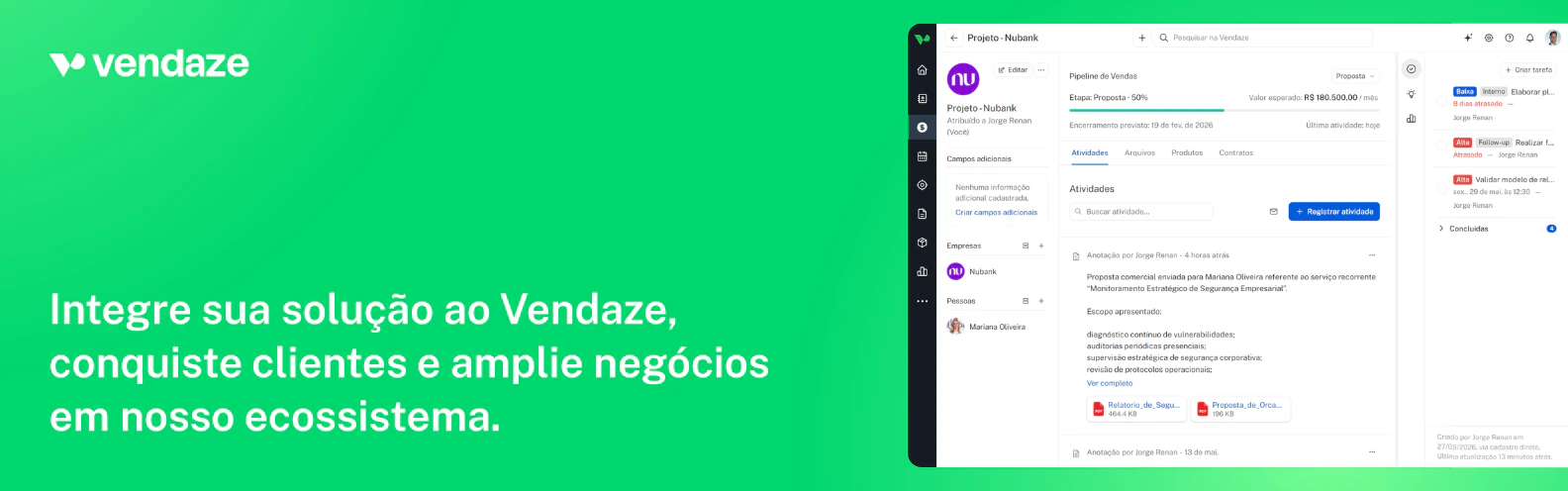
The Vendaze API is a REST interface that lets external applications read and write data in Vendaze workspaces. It uses OAuth 2.1 for authorization, meaning your users connect their own workspace to your app and you operate on their data with their explicit consent.
Typical integrations:
* **Native CRM sync:** keep contacts, companies, and deals in sync between Vendaze and your product
* **Sales automation:** create deals and move them through pipelines based on events in your system
* **Custom dashboards:** pull workspace data into internal tools, BI platforms, or data warehouses
* **AI agents:** connect language models to live CRM data via the MCP server
## Who this is for
Build a native Vendaze integration and offer it to your customers directly from your product.
Connect internal tools, ETL pipelines, or data warehouses to Vendaze workspace data.
Build custom automations and integrations for clients who run their sales on Vendaze.
Connect AI assistants like Claude or ChatGPT to live CRM data via the Vendaze MCP server.
## How it works
The API uses **OAuth 2.1 Authorization Code flow**. Your app registers once to get a `client_id` and `client_secret`. When a user wants to connect their workspace, they go through a standard OAuth consent screen. After authorization, you receive an `access_token` scoped to that specific workspace.
Every API call carries that token. The workspace context is resolved automatically. You never send a workspace identifier in requests.
## What you need to start
* A Vendaze account with at least one active workspace ([create one free](https://app.vendaze.com/register))
* A server with HTTPS support to receive the OAuth callback
* Familiarity with REST APIs and OAuth 2.1
No approval process. Any developer can register an app and start building immediately.
Get your `client_id` and `client_secret` in under a minute.
Implement the OAuth 2.1 flow and get your first access token.
End-to-end walkthrough from registration to your first API call.
Full endpoint reference with request and response schemas.
## What you can build
The Vendaze API is a REST interface that lets external applications read and write data in Vendaze workspaces. It uses OAuth 2.1 for authorization, meaning your users connect their own workspace to your app and you operate on their data with their explicit consent.
Typical integrations:
* **Native CRM sync:** keep contacts, companies, and deals in sync between Vendaze and your product
* **Sales automation:** create deals and move them through pipelines based on events in your system
* **Custom dashboards:** pull workspace data into internal tools, BI platforms, or data warehouses
* **AI agents:** connect language models to live CRM data via the MCP server
## Who this is for
Build a native Vendaze integration and offer it to your customers directly from your product.
Connect internal tools, ETL pipelines, or data warehouses to Vendaze workspace data.
Build custom automations and integrations for clients who run their sales on Vendaze.
Connect AI assistants like Claude or ChatGPT to live CRM data via the Vendaze MCP server.
## How it works
The API uses **OAuth 2.1 Authorization Code flow**. Your app registers once to get a `client_id` and `client_secret`. When a user wants to connect their workspace, they go through a standard OAuth consent screen. After authorization, you receive an `access_token` scoped to that specific workspace.
Every API call carries that token. The workspace context is resolved automatically. You never send a workspace identifier in requests.
## What you need to start
* A Vendaze account with at least one active workspace ([create one free](https://app.vendaze.com/register))
* A server with HTTPS support to receive the OAuth callback
* Familiarity with REST APIs and OAuth 2.1
No approval process. Any developer can register an app and start building immediately.
Get your `client_id` and `client_secret` in under a minute.
Implement the OAuth 2.1 flow and get your first access token.
End-to-end walkthrough from registration to your first API call.
Full endpoint reference with request and response schemas.